VPN Free: How to Choose a Free VPN Safely
Learn what a free VPN can protect, its limits, and how to compare free services before connecting.
A VPN free of charge can be useful for basic privacy on public Wi-Fi or for testing how a VPN works. The trade-off is that free plans may limit data, speed, server locations, or features, and some services may rely on advertising or collect more information than you expect. Start by checking the provider’s privacy policy and the exact limits of its free plan.
A VPN encrypts traffic between your device and the VPN server, helping prevent people on the same network from easily viewing that traffic. It also changes the IP address websites see to the address of the VPN server. It does not protect you from every online risk, and it does not guarantee complete anonymity.
| VPN | Obfuscation | From / month | Plan | Free plan | Refund | Alipay | UnionPay | Crypto | Website opens in China | Trustpilot | |
|---|---|---|---|---|---|---|---|---|---|---|---|
 Proton VPN | Turn on manually Stealth, free plan too | $2.99/mo | 12 months: $35.88 | Yes | 30 days | ✗ | ✗ | ✗ | ✓ | ✗ Blocked | 2.1/5 (1,040 reviews) |
 ZoogVPN | Turn on manually Shadow | $2.49/mo | 27 months: $59.99 | Yes | 7 days | ✓ | ✓ | ✓ | ✓ | Official site blocked; our special link opens (4.4 s) | 4.2/5 (195 reviews) |
 NordVPN | Turn on manually Obfuscated Servers / NordWhisper | $3.49/mo | 27 months: $94.23 | No | 30 days | ? | ✗ | ✓ | ✓ | ✗ Blocked | 4.2/5 (51,628 reviews) |
 ExpressVPN | ✓ On by default all servers | $3.00/mo | 28 months: $84 | No | 30 days | ✗ | ✗ | ✓ | ✗ | ✗ Blocked | 4.4/5 (29,706 reviews) |
 Surfshark | ✓ On by default Camouflage, with OpenVPN | See site | See site | No | 30 days | ✗ | ✗ | ✗ | ✓ | ✗ Blocked | 4.3/5 (31,823 reviews) |
 Astrill VPN | Turn on manually StealthVPN / OpenWeb | $12.50/mo | 24 months: $300 | No | See site | ✗ | ✗ | ✗ | ✓ | ✗ Blocked | 1.3/5 (110 reviews) |
 Private Internet Access | Turn on manually Shadowsocks, OpenVPN only | $2.03/mo | 40 months: $81.2 | No | 30 days | ✗ | ✗ | ✗ | ✗ | ✗ Blocked | 4.2/5 (11,033 reviews) |
 CyberGhost | Turn on manually selected servers | $2.19/mo | 28 months: $61.32 | No | 45 days | ✗ | ✗ | ✗ | ✓ | ✗ Blocked | 4.0/5 (24,178 reviews) |
 PureVPN | Turn on manually switch to OpenVPN | $1.69/mo | 60 months: $101.55 | No | 31 days | ? | ? | ✗ | ✓ | ✗ Blocked | 4.4/5 (17,994 reviews) |
 AdGuard VPN | ✓ On by default TrustTunnel | $2.99/mo | 24 months: $71.76 | Yes | 30 days | ✓ | ✗ | ✓ | ✓ | Official site blocked; our special link opens (3.7 s) | 4.3/5 (290 reviews) |
 Mullvad | Turn on manually QUIC / Shadowsocks / LWO | $5.61/mo | €5/mo | No | 14 days | ✗ | ✗ | ✗ | ✓ | ✗ Blocked | 3.2/5 (192 reviews) |
 Windscribe | Turn on manually Stealth / WStunnel | $5.75/mo | 12 months: $69 | Yes | See site | ✗ | ✗ | ✗ | ✓ | ✗ Blocked | 4.7/5 (13,355 reviews) |
 StrongVPN | Turn on manually Scramble, OpenVPN TCP | See site | See site | No | 30 days | ✓ | ✗ | ✗ | ✗ | ✗ Blocked | 4.4/5 (2,695 reviews) |
 LightXtreme 闪连 | Not listed | $7.08/mo | 12 months: $84.99 | Yes | 30 days | ✓ | ✓ | ✓ | ✓ | ✓ Yes (3.5 s) | No page |
Prices checked 2026-11-10 on each vendor's pricing page (cheapest long plan, USD). Check the vendor's checkout for the final price.
Obfuscation checked 2026-11-14 on each vendor's site and help center: "on by default" = nothing to set; "turn on manually" = switch protocol or mode in settings; "not listed" = the vendor describes no obfuscation.
Payment methods checked 2026-11-10 on each vendor's payment pages: all 14 take cards and PayPal; ✗ = not listed, ? = the vendor's own pages disagree.
China access: whether the official website opens from mainland China networks (tests the website only, not the VPN connection). Last checked 2026-11-18 01:02 Beijing time.
Trustpilot score and review count checked 2026-11-10.
Editor's pick: NordVPN — fast, secure VPN — Strong encryption, a no-logs policy and apps for every device. 30-day money-back guarantee. Get NordVPN →
Compare free VPN options by what matters
| Criterion | What to check | Why it matters | Good sign | Caution |
|---|---|---|---|---|
| Data limit | Monthly cap or unlimited use | A cap can interrupt regular use | Limit fits your needs | Small cap |
| Speed | Performance during typical use | Slow speeds affect browsing and video | Consistent, usable speed | Frequent slowdowns |
| Server choice | Available locations | Fewer locations mean less choice | Locations suit your needs | Very limited locations |
| Privacy policy | Data collected and retained | A VPN provider may see connection data | Clear, minimal collection | Vague data practices |
| Business model | How the free service is funded | Free access still has operating costs | Funding is explained | Unclear revenue source |
| Security | Encryption and connection protection | Protection varies by provider | Security details are documented | Missing or unclear details |
| Device support | Supported devices and platforms | You need coverage for your devices | Your devices are supported | Important device is unsupported |
| Support | Help options for free users | Problems may need timely assistance | Clear help resources | Little or no support |
Compiled November 2026; check the provider's site for current details.
What to expect from a free VPN
Free VPNs vary widely. Some are limited versions of paid products. Others are standalone services, browser extensions, or mobile apps. The word “free” tells you the price, not the quality of the privacy protection.
Common limits include:
- A monthly or daily data allowance
- Fewer server locations or busy servers
- Slower connections at peak times
- Restrictions on streaming, downloads, or simultaneous connections
- Ads, optional upgrades, or prompts to subscribe
Read the service’s terms before installing it. In particular, find out whether the free tier has a data cap, whether it displays ads, and whether the provider records connection or activity information.
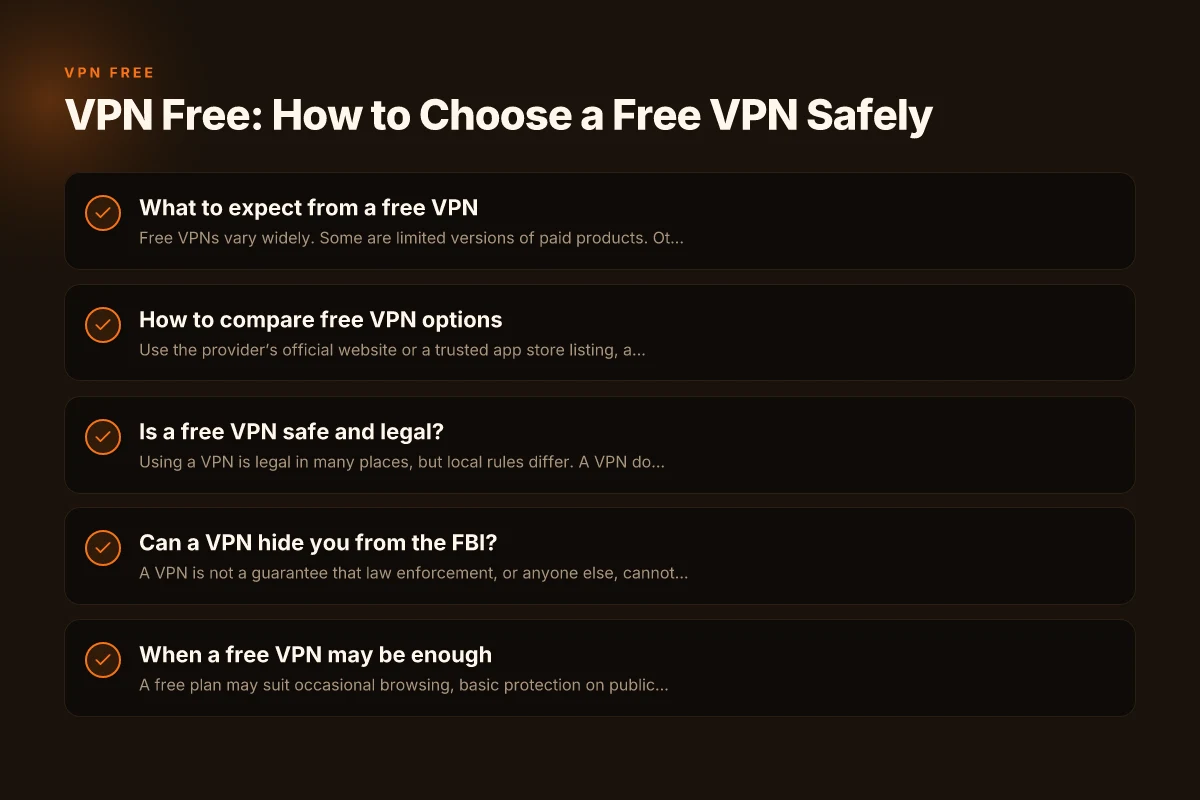
How to compare free VPN options
Use the provider’s official website or a trusted app store listing, and compare the details rather than relying on claims such as “fast,” “secure,” or “unlimited.” A clear explanation of the free tier is more useful than a broad marketing promise. VPN Extension for Edge: How to Choose and Use One
| What to check | Why it matters |
|---|---|
| Data allowance | Determines how much browsing or streaming you can do |
| Privacy policy | Explains what information the provider collects and retains |
| Ads and tracking | Helps you understand how the free service is supported |
| Server locations | Affects available connection regions and performance |
| Apps and extensions | Shows which of your devices are supported |
| Independent reviews | Can provide context beyond the provider’s own claims |
For example, Proton VPN advertises a free plan with no data limit, no ads, and no logs of user activity. Other search results make different claims: VeePN promotes a Chrome extension with unlimited traffic and bandwidth, while Bright VPN advertises access to websites from over 150 countries. These are provider statements, not a guarantee that every feature will suit every user. Check current terms and privacy details directly before relying on them.
A free app’s presence in an app store is not, by itself, proof that it is the right choice for sensitive activity. Check who operates it, what permissions it requests, and how its privacy policy describes data handling.
Check a free VPN before using it
| Check | Safer sign | Warning sign | What to do |
|---|---|---|---|
| Provider identity | Recognizable company and clear ownership | Anonymous or hard-to-verify operator | Research the provider |
| Privacy policy | Specific, understandable terms | Broad or confusing claims | Read what data is collected |
| Data handling | Clear retention and deletion practices | No explanation of storage | Avoid sharing sensitive details |
| Permissions | Requests match the app’s purpose | Unnecessary access requests | Review or deny permissions |
| App source | Official provider site or app store | Unverified download link | Install only from trusted sources |
| Security claims | Features are described clearly | Absolute or unsupported promises | Treat guarantees skeptically |
| Legal terms | Service rules are available | Missing or unclear terms | Check local requirements |
| Independent checks | Credible audits or documentation | No verifiable evidence | Look for corroboration |
Compiled November 2026; check the provider's site for current details. Cj.cj.net VPN: What the Site Is and How to Find the Right VPN Link
Is a free VPN safe and legal?
Using a VPN is legal in many places, but local rules differ. A VPN does not make unlawful activity legal, and some countries restrict VPN use. Check the rules that apply where you are.
Safety depends on the provider and how you use the service. A VPN can help protect traffic on an untrusted Wi-Fi network, but it cannot stop phishing, malicious downloads, weak passwords, or tracking through your accounts and browser settings. It also shifts trust: instead of relying only on your internet provider, you are routing traffic through the VPN provider.
Before connecting, ask:
- Does the provider explain what it logs and why?
- Does it disclose how the free plan is funded?
- Does the app come from an official source?
- Are its permissions appropriate for its features?
- Can you use it without giving unnecessary personal details?
Be cautious with services that make sweeping promises of total anonymity or complete protection. A VPN is one privacy tool, not a substitute for updates, strong passwords, and careful browsing. OpenVPN Connect: Download, Set Up, and Use the Official VPN Client
Can a VPN hide you from the FBI?
A VPN is not a guarantee that law enforcement, or anyone else, cannot identify you. It can hide your home IP address from websites by showing the VPN server’s address, and it can protect traffic from some observers on a local network. But identification may still be possible through account activity, device data, payment records, information collected by websites, or records held by a provider.
The practical answer is that a VPN changes who can see parts of your connection. It does not make you invisible. Do not treat a free VPN, or any VPN, as a way to evade lawful investigations.
Decide whether a free VPN is enough
| Your need | Free VPN may be enough when | Consider another option when | Key question |
|---|---|---|---|
| Occasional browsing | Use is light and within any data cap | You need frequent, long sessions | Will the data limit cover your use? |
| Public Wi-Fi | The provider has credible security practices | You cannot verify its protections | Do you trust the provider? |
| Streaming | Performance and access meet your needs | You need reliable playback or broad access | Does it work consistently for you? |
| Travel | Available locations suit your route | You need specific locations | Are the needed locations available? |
| Sensitive activity | Your needs are modest and risks are understood | You need stronger privacy assurances | Is a free service appropriate for this risk? |
| Multiple devices | Your devices are supported | You need unsupported devices or more coverage | Are all your devices included? |
| Privacy from authorities | You understand a VPN does not make you anonymous | You expect it to hide you from law enforcement | Are your expectations realistic? |
| Everyday use | Limits and performance are acceptable | Caps, speed, or support are restrictive | Would a paid plan better fit your needs? |
Compiled November 2026; check the provider's site for current details. VPN PES: How to Use a VPN for eFootball and What to Expect
When a free VPN may be enough
A free plan may suit occasional browsing, basic protection on public Wi-Fi, or trying a VPN before deciding whether you need more. It may be less suitable if you need consistent performance, many location choices, or frequent high-bandwidth use.
Consider a paid plan only if you need features the free tier does not offer. You do not need to upgrade simply because a service presents a subscription prompt. First compare the limits with your actual needs and review the provider’s privacy terms.
Recommendation
For a vpn free option, choose a provider with a clear privacy policy, transparent free-plan limits, and an app from an official source. Proton VPN is one option whose advertised free plan has no data limit, no ads, and no logs of user activity. Verify the current terms before installing it, and remember that a VPN improves some aspects of privacy but cannot provide complete anonymity or security on its own.